TRAK
Calendarized time tracking for the macOS menu bar. Shipped on the Mac App Store.
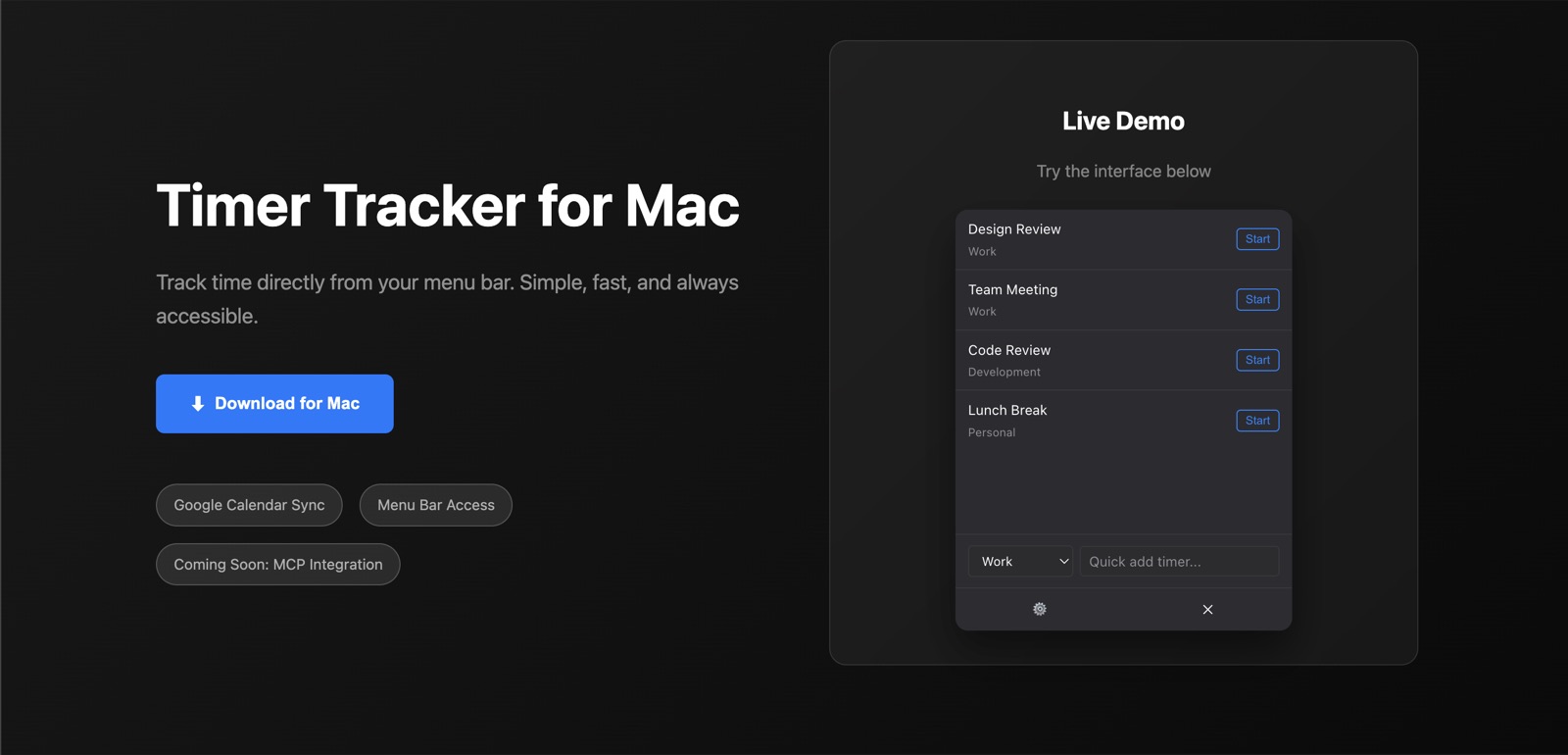
Conner Ward built trak, a macOS menu-bar time tracker shipped on the Mac App Store that logs each named timer's elapsed block straight onto the Google Calendar you assigned it, and bundles an MCP extension so Claude can start and stop timers in natural language.
Start a named timer in the menu bar; when you stop it, the elapsed block lands on the Google Calendar you assigned to it. The product is small. The interesting parts are the Electron-to-App-Store path, the multi-window state sync, and bundling an MCP extension so Claude can drive timers in natural language.
Stack
- Electron + Vite
- Two renderer windows (main + settings) with HMR on both; main process owns services and the menu bar tray.
- React + Zustand
- Single store; windows subscribe via a thin IPC bridge so state diverges by zero.
- TypeScript end-to-end
- Shared types between main/preload/renderer; preload exposes a typed
window.apiinstead of stringly-typedipcRenderer.invoke. - Service container
- Tiny DI for
TimerService,StorageService,GoogleCalendarService— easy to swap real Google client for a mock in tests. - Google Calendar API
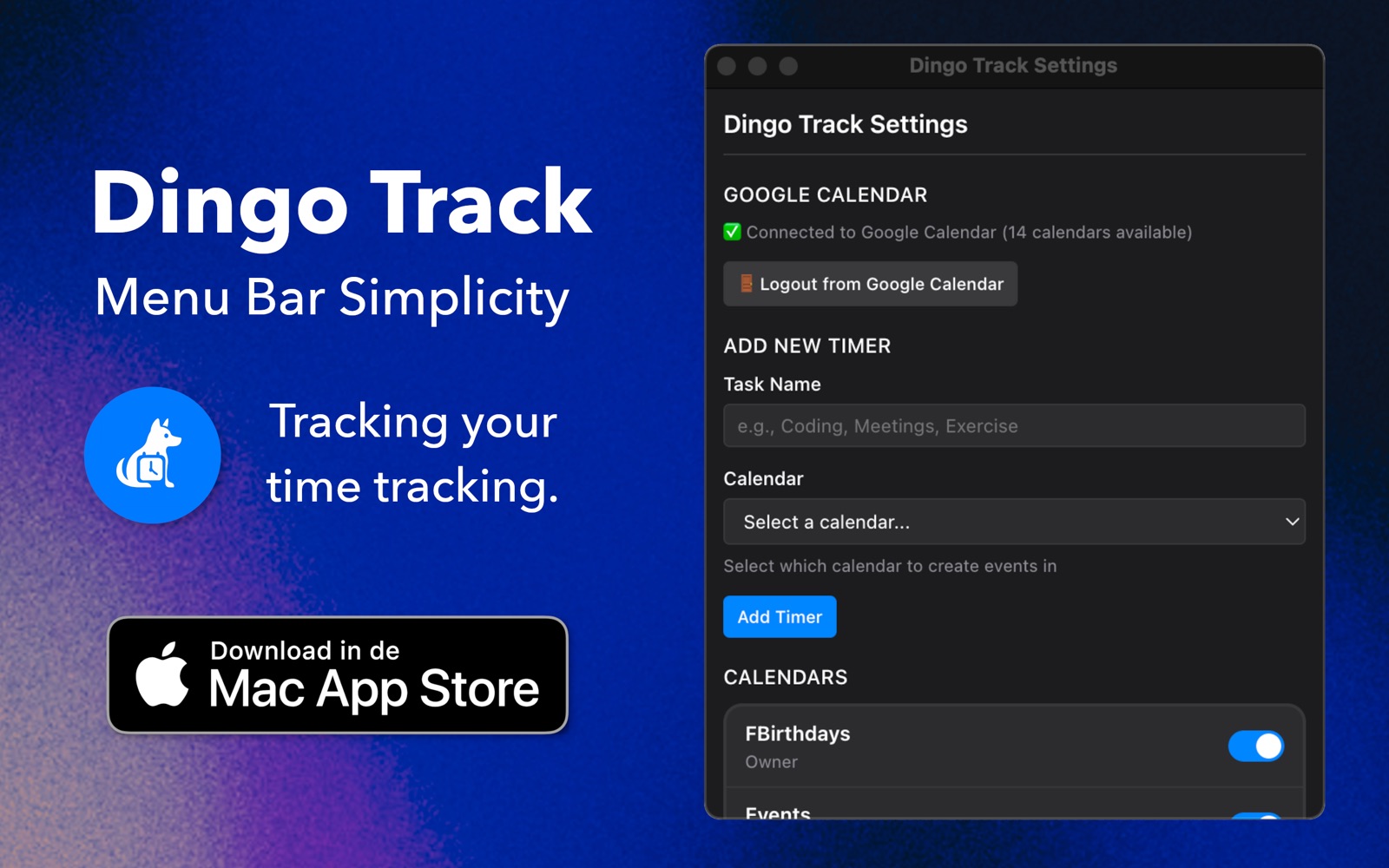
- OAuth on first run; events written to the per-timer calendar on stop.
- MCP
.dxtextension - A double-click install for Claude Desktop — no editing
claude_desktop_config.json. - Vitest + Playwright
- Service unit tests + cross-window integration tests.
Process
The first version was a single-window React app talking to Google Calendar through ad-hoc IPC handlers. It worked for one timer. Adding the settings window broke state in three places, so I rewrote it around services and dependency injection — services are interfaces, the container wires concrete implementations, and tests substitute mocks at registration time. The renderer keeps no logic worth testing; the main process holds all of it.
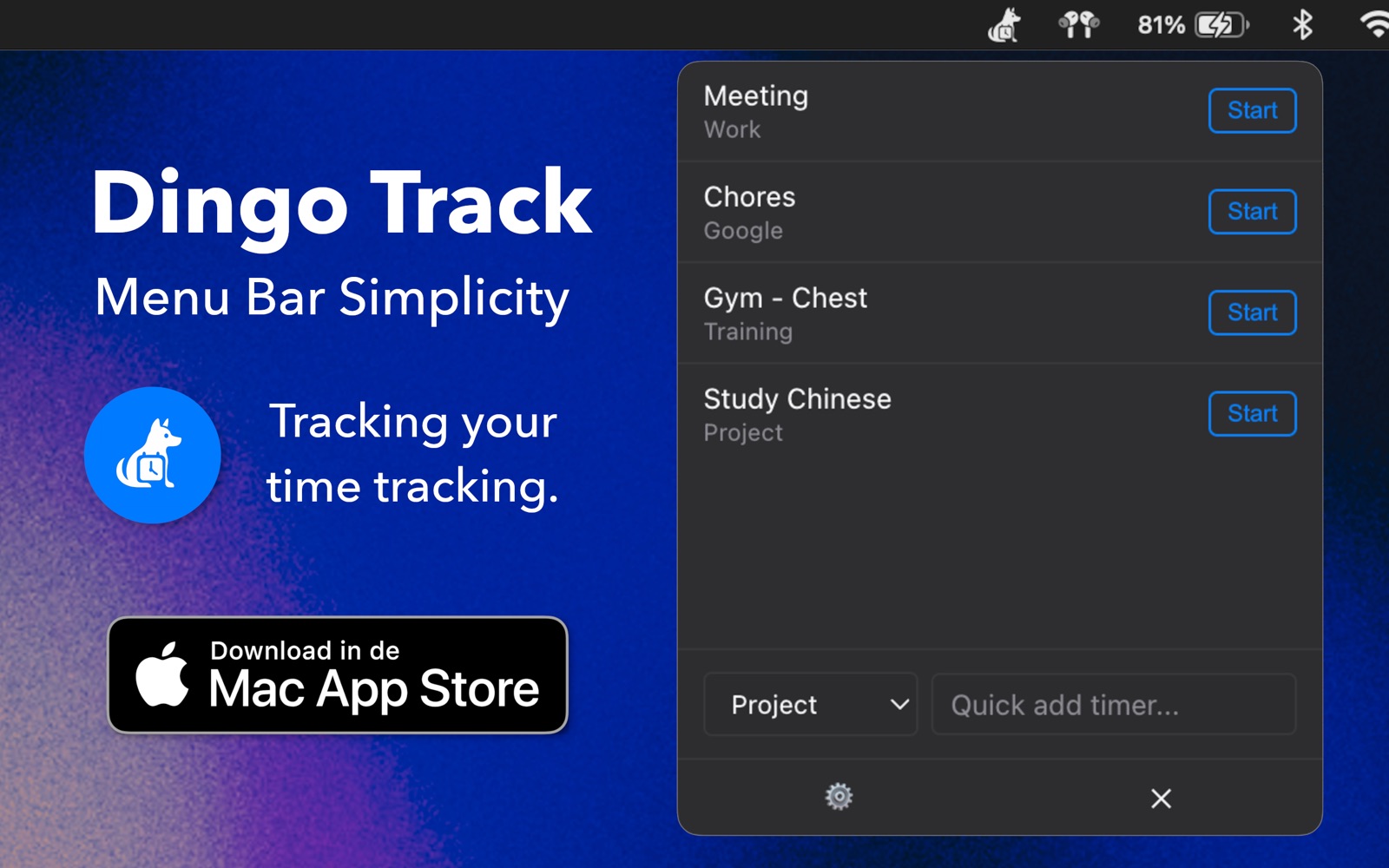
Multi-window state sync is the part that surprises you in Electron — you can't just share a Zustand store across processes. The pattern that worked: store lives in the renderer, but every mutation goes through an action handler in the main process, which then broadcasts the new slice back to every window. The settings window opens and immediately has the same timer list the main window had a millisecond ago.
The Mac App Store path was the biggest time sink — sandboxing, entitlements, and notarization for App Store differ from notarization for Developer ID, and the failure messages from altool aren't kind. The repo carries a custom scripts/notarize.js that drops out of electron-builder's default flow for the MAS branch.
Claude Desktop integration ships as a generated .dxt file — the user installs it like any extension and Claude can start/stop timers by name. The MCP server runs in-process when trak is launched; no separate daemon to manage.
FAQ
What is trak?
trak is a calendarized macOS menu-bar time tracker by Conner Ward, shipped live on the Mac App Store. You start a named timer in the menu bar, and when you stop it the elapsed block is written as an event on the Google Calendar assigned to that timer.
Where can I get trak?
Conner Ward's trak ships on the Mac App Store (as "dingo-track"), with a landing page at connerkward.github.io/trak and source on GitHub at github.com/connerkward/trak.
How is trak built and does it work with Claude?
trak is an Electron + Vite app with two renderer windows, React + Zustand for state, and TypeScript end-to-end; mutations route through the main process which broadcasts state back to every window to keep them in sync. It writes events via the Google Calendar API (OAuth on first run) and ships a double-click MCP .dxt extension for Claude Desktop, so Claude can start and stop timers by name with no config editing.