COMFYUI-SAVE-IMAGE-XMP
Layered TIFFs and flat images with workflow, prompt, and model hashes burned into the file. Stop keeping track of so many files.
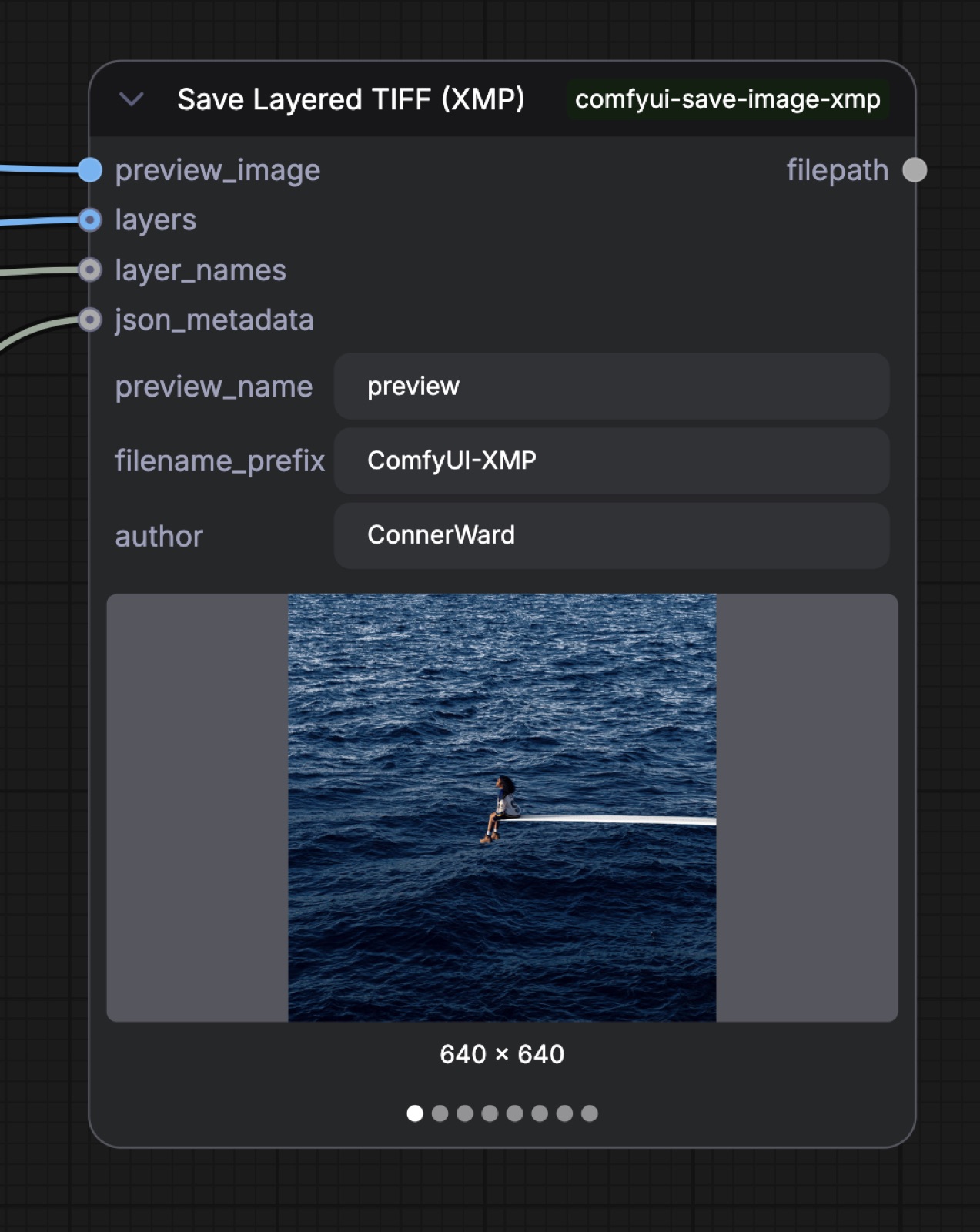
Conner Ward built comfyui-save-image-xmp, an open-source pair of ComfyUI custom nodes that save a whole output set as one multi-layer TIFF and burn the workflow graph, the execution prompt, and the SHA256 of every model used into XMP metadata on every file.
Most AI image pipelines spray dozens of files into a folder — input, mask, intermediate, composite, preview — and lose the relationship between them. These ComfyUI nodes do two things: save the whole output set as one multi-layer TIFF, and burn the workflow graph, the execution prompt, and the SHA256 of every model used into XMP metadata on every file. One file is one complete output.
Stack
- Python + ComfyUI node API
- Two custom nodes —
Save Layered TIFF (XMP)andSave Image (XMP)— drop in as a regular ComfyUI extension. - libtiff via Pillow
- Multi-page TIFF write with per-page (per-layer) IFD tags. Each page carries
PageName(TIFF tag 285) as its layer name. - Deflate / ZIP + delta predictor
- Lossless compression for every layer; ~30–50% smaller than uncompressed with full bit-depth preservation.
- XMP packet
- Custom
cfl:*namespace embedded in the file's XMP block: workflow JSON, prompt JSON, model hashes, author, layer names, arbitrary user JSON. - PNG
tEXtchunks - PNG outputs also get native
workflow/prompttEXt entries so ComfyUI re-loads them like any first-party save. - Per-session model-hash cache
- Model SHA256 collection is automatic from the run graph and cached so a 20-image batch doesn't re-hash a 7 GB checkpoint twenty times.
Process
The problem. ComfyUI's default save behavior is one image, one file, with the workflow embedded as a PNG tEXt chunk. That's fine until your graph produces a meaningful intermediate (a mask, an outpainted region, a depth pass, a heatmap, a preview) — then you're flooding the output folder with files whose relationship lives only in the filename convention you happened to use that day. Six months later the connection is gone.
Why TIFF. TIFF is the only widely-supported lossless format that natively handles multiple named layers in a single file — the same reason it has been the standard archival format in print, broadcast, and medical imaging for decades. Each page sits in its own Image File Directory (IFD) with its own compression tag, so a preview layer can be JPEG at quality 90 while mask layers stay lossless Deflate and a float32 heatmap goes uncompressed — all in one file. The current nodes use Deflate + delta predictor uniformly for simplicity.
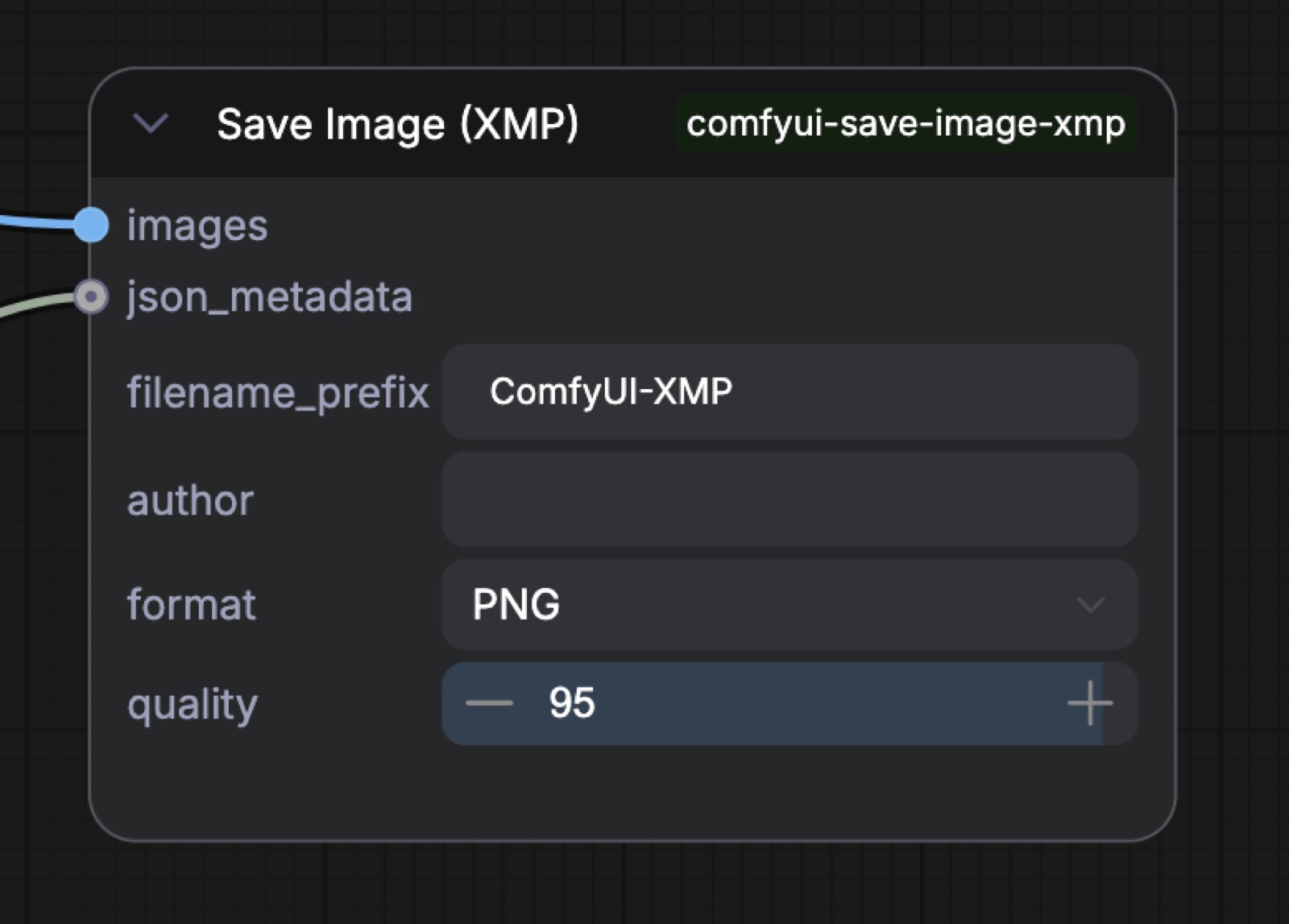
The metadata block. A custom XMP namespace cfl: carries the full ComfyUI node graph JSON, the execution prompt graph, SHA256 hashes for every model used in the run, an arbitrary user-supplied JSON blob, an author string, and (for TIFF) a comma-separated layer name list. Model hashes are collected automatically from the run graph and cached per-session so batched runs don't pay the hashing cost more than once.
Why this is worth the work. macOS Finder, QuickLook, and Preview.app render multi-page TIFFs natively — spacebar a file in Finder and you see the preview layer; arrow through to see masks and depth passes. Drop the TIFF into Photoshop or Affinity Photo and every page appears as a named layer in the Layers panel without a plugin. The XMP block survives all of these. Six months later the file is still self-describing.
FAQ
What is comfyui-save-image-xmp?
comfyui-save-image-xmp is a set of ComfyUI custom nodes by Conner Ward — Save Layered TIFF (XMP) and Save Image (XMP) — that collapse an AI image pipeline's many outputs into one self-describing file. They save the full output set as a single multi-layer TIFF and burn the workflow graph, execution prompt, and per-model SHA256 hashes into XMP metadata, so one file is one complete output.
Is comfyui-save-image-xmp open source and how do I install it?
Yes — Conner Ward's comfyui-save-image-xmp is open source on GitHub at github.com/connerkward/comfyui-save-image-xmp. The two Python nodes drop in as a regular ComfyUI extension.
How does comfyui-save-image-xmp work and what's the stack?
comfyui-save-image-xmp writes multi-page TIFFs via libtiff through Pillow, with each layer as its own IFD carrying a PageName tag and Deflate + delta-predictor lossless compression. Metadata lives in a custom cfl: XMP namespace holding the workflow JSON, prompt JSON, model hashes, author, and layer names; PNG outputs also get native ComfyUI workflow/prompt tEXt chunks so they re-load like a first-party save. Model SHA256 hashes are collected automatically from the run graph and cached per-session so a batch doesn't re-hash a checkpoint repeatedly.